Do you know how long the average user spends looking at a website’s home page?
15-30 seconds. That’s it.
With that in mind, it’s hard to understate the impact that your website design can have on your brand’s success. It’s often the “first impression” to your brand other than social media, so it needs to quickly and effectively communicate both the overt and covert messages you want your customers to know.
For a homepage that keeps a user’s attention longer than those 15 seconds, you’ll want to make sure you include these ten elements in your design.
1. Clear Branding

You want your colors, logo, and brand name to be seen immediately upon arriving at your site. With a great branding guide in place, the colors, typography, and logo design you’ve chosen to represent your brand will send subtle messages to your viewers about your business.
2. Design with Customer Experience in Mind
When a customer arrives on your homepage, you want them to feel welcome, competent, and impressed. So, your homepage should be visually pleasing to start, but it should also be obvious to your user what their options are for engaging with your product or service. Remember that 15-second average. Making a customer search or dig for options on your site will only result in a higher bounce rate.
3. Your Market Positioning Statement
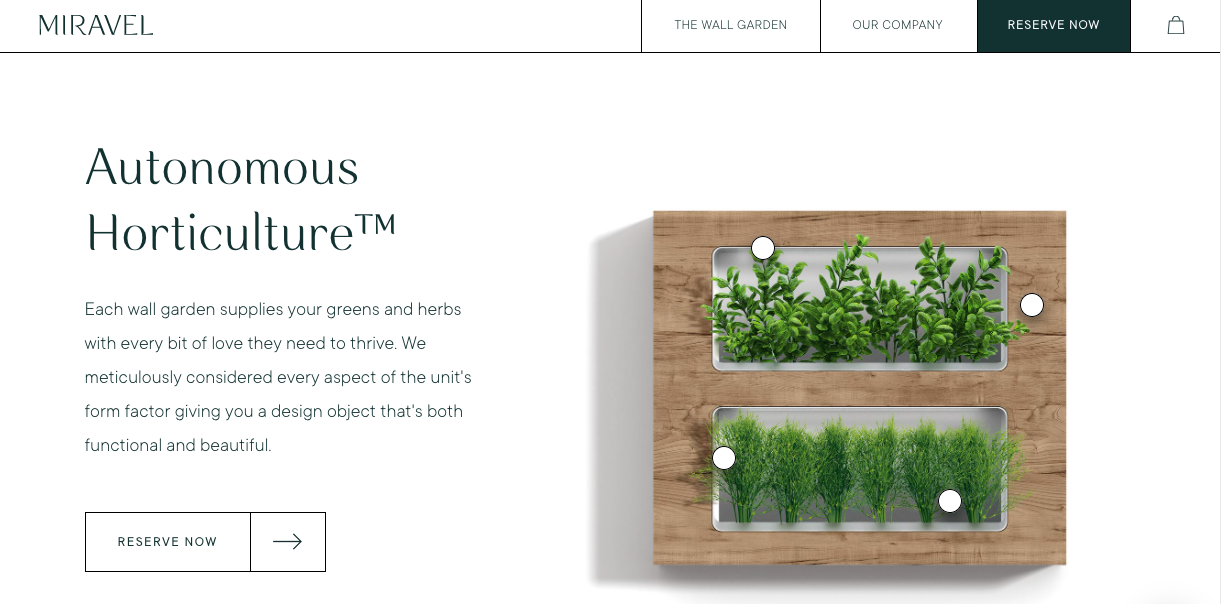
Your positioning statement is a key step in the brand-building process. To boil it down, this is the statement that quickly and effectively tells your customers how you bring something unique and valuable to the table when compared with similar products, businesses, or services in your market.
Basically, what’s your x-factor? You’ll want to make sure you display this positioning statement prominently on your homepage.
4. Product/Service Listings with Short Summaries
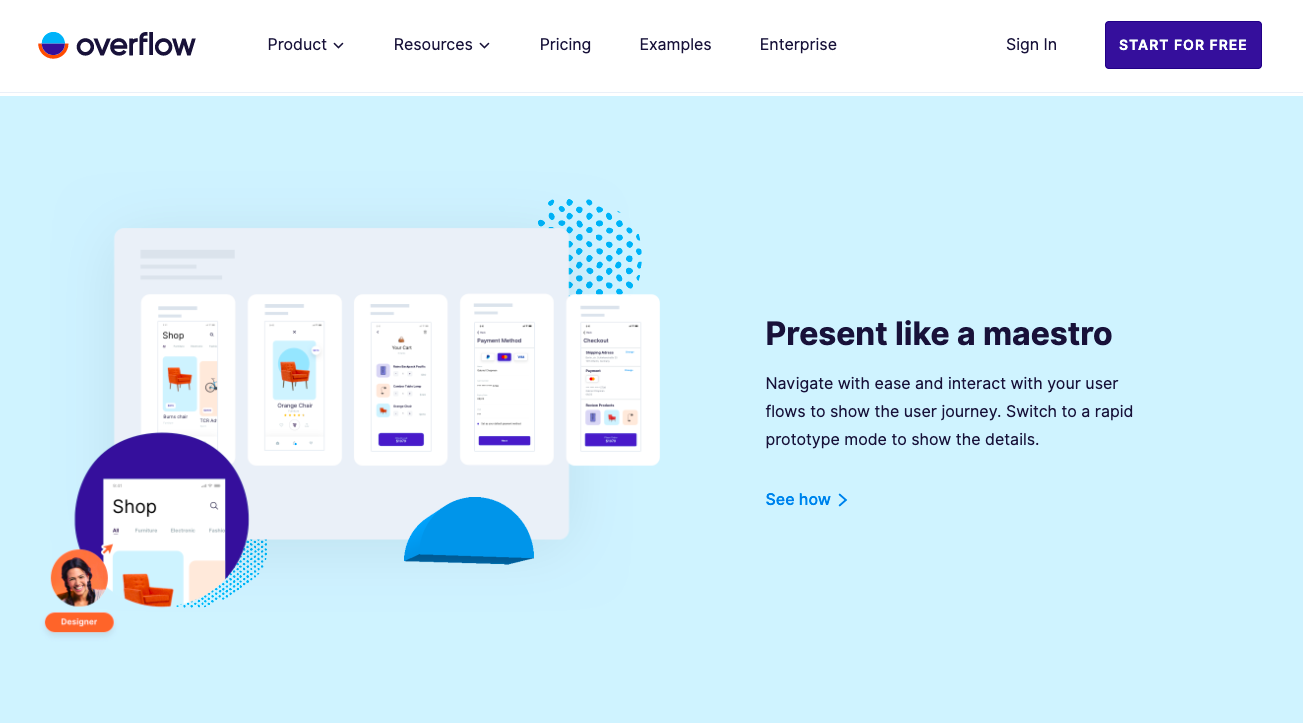
Make it obvious what it is that you offer or sell on your site and tease your customer with short descriptions about each one. Add a button as a CTA and you’ve got a surefire system in place to get your site visitors a little bit further down your buyer’s path.
5. Special Offers
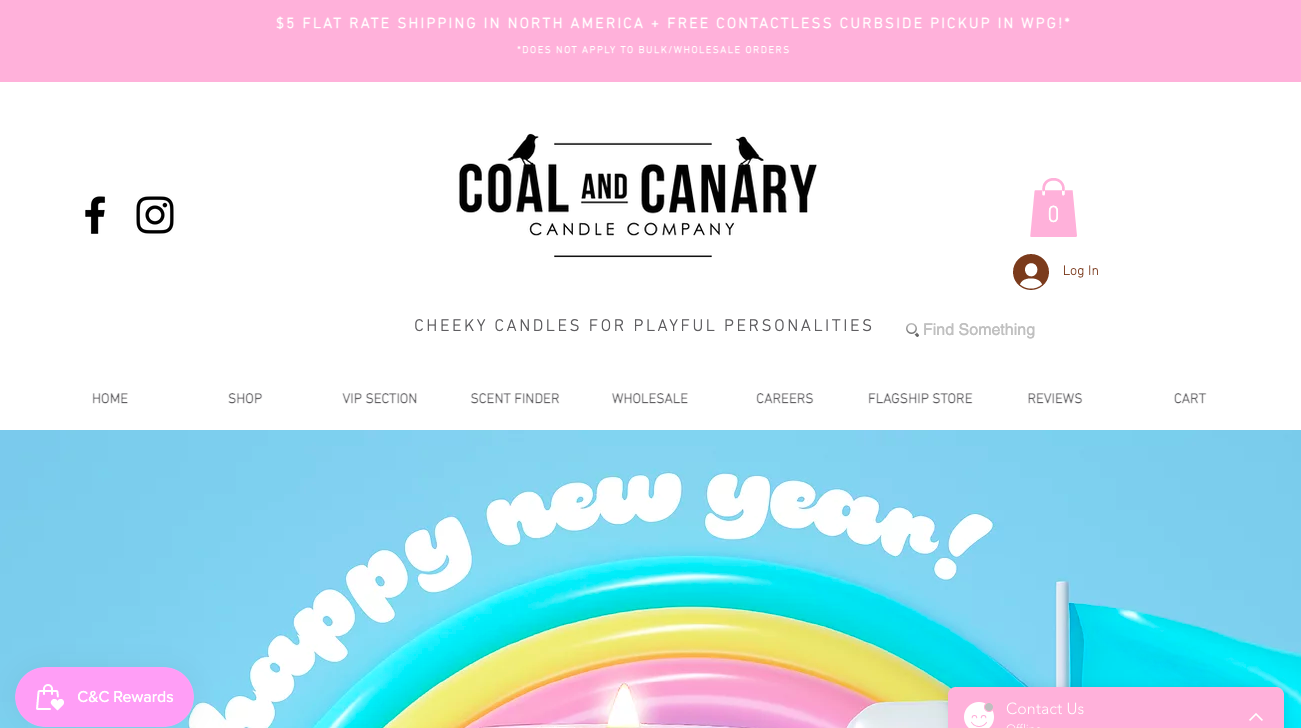
Whether you include your special offers on a banner, a pop-up, or as a scrolling image in your header, make sure that you tell your users all about any special promotions you’re running. Special offers are a great marketing tool, as long as they’re communicated well!
6. SEO Best Practices for Text
This tip is more for the backend of your site, but make sure that you have a page title, meta-descriptions, and keyword-rich text on your homepage that aligns with your content strategy. Basically, you want to make sure that your homepage isn’t just visually stunning, but that it’s full of strategically written text that will pop up over and over again on search engines.
7. Three or More CTAs
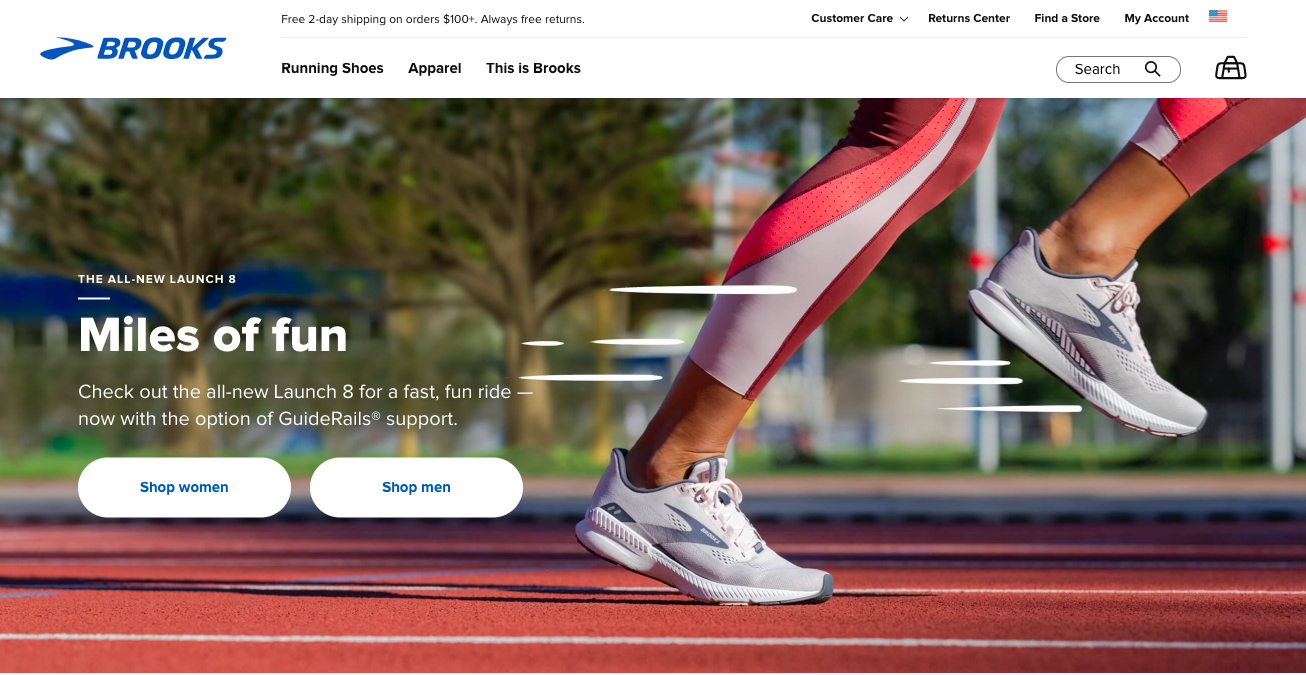
Call-To-Action buttons or links are shockingly efficient for how simple they are to implement on your site. Our biggest tip is to include at least three, if not more, on your homepage alone!
Try including one at the top of your page, perhaps in your banner, encouraging your users to learn more about your services. Then again in the middle of your page encouraging them to get in touch with a team member. And finally, always include a “Buy Now” or “Get Started” CTA at the bottom of your homepage.
8. Mobile Design Compatibility
With more than 50% of all web traffic worldwide happening on mobile devices, you’ll want to make sure that your site design is compatible for mobile ASAP. There’s nothing that will turn off a potential customer more than a slow-loading, clunky mobile website.
9. Reviews and Testimonials
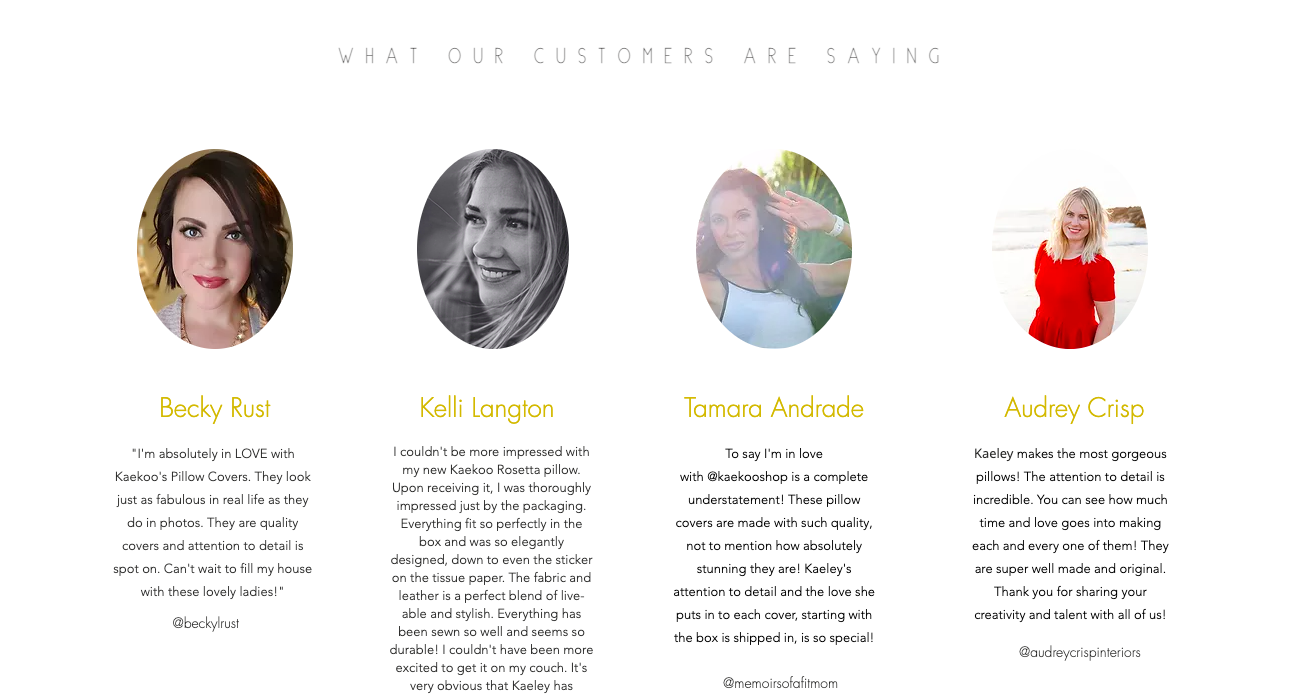
Reviews and testimonials provide important social currency for your brand. It allows you to gain trust from someone who may have been skeptical otherwise. Implement a system in your sales journey that asks for customer reviews and testimonials so you can keep these fresh and optimized based on your current offerings.
10. Footer
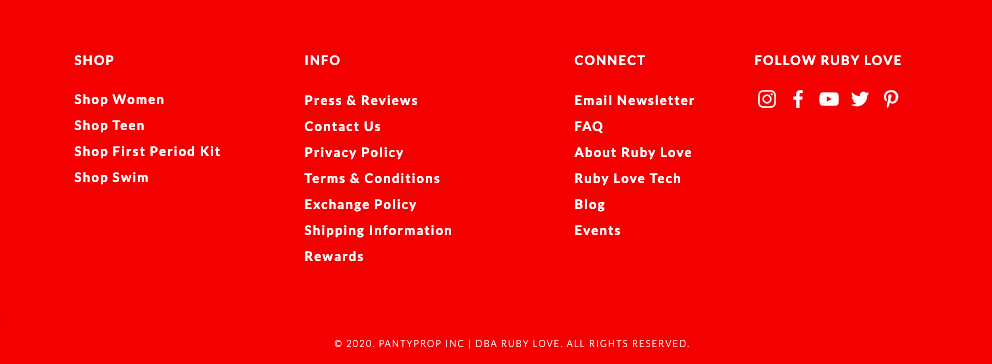
Your footer holds all of the important “businessy” things that your homepage needs to address, but in a subtle, hidden-in-plain-sight kind of way. Customers have come to expect the following elements in a footer: your business name and address, access to legal disclaimers, a mini site map to your most important pages, a copyright statement, and access to a map link if that’s applicable.
We hope this post has been helpful in crafting or reimagining your brand’s homepage. For further assistance designing a site that converts visitors into customers, partner with our team at Deal Digital.